QR ordering for restaurants
Guests scan the QR code at the table, order and pay on their phone. And guests who order themselves order more.
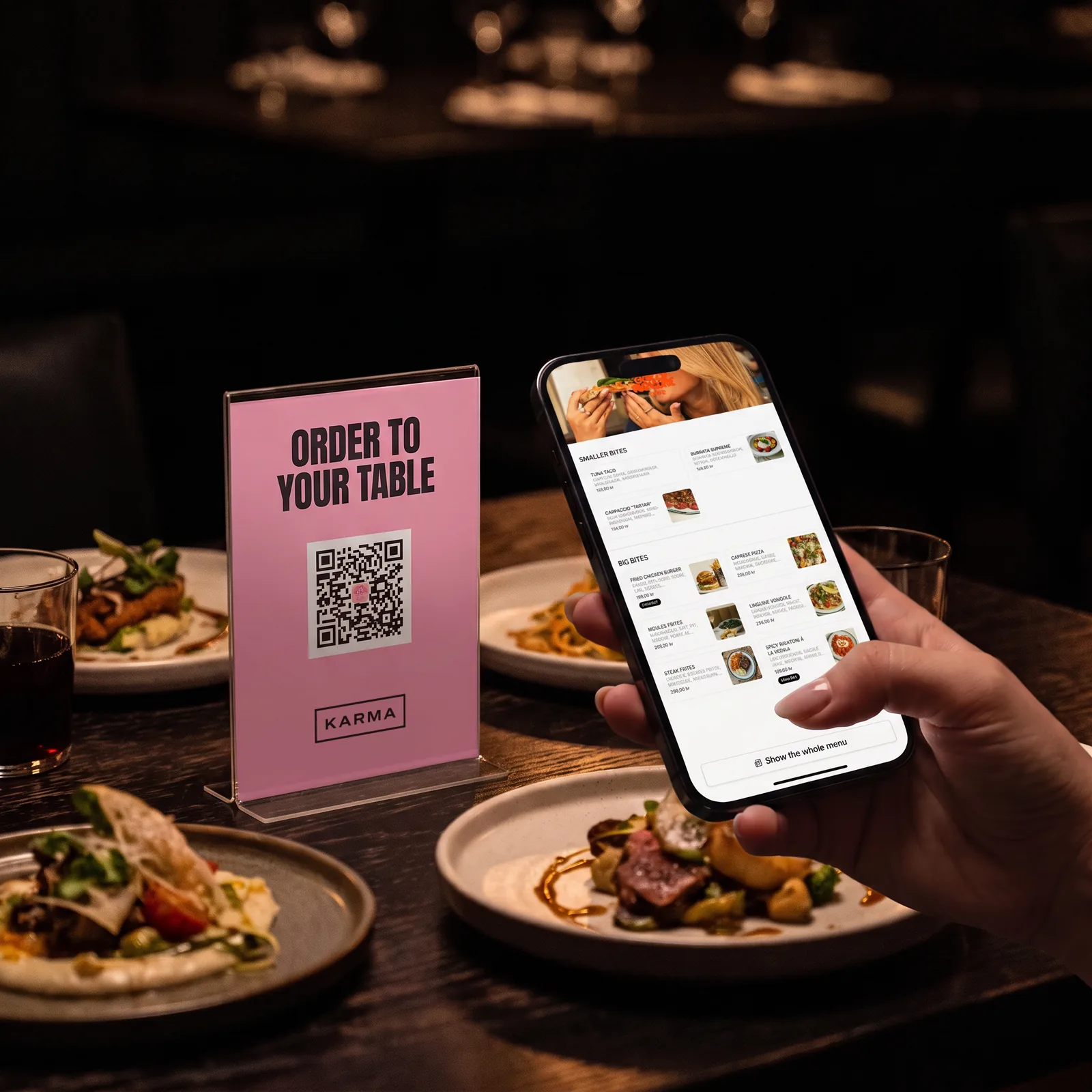








Everything needed at the table
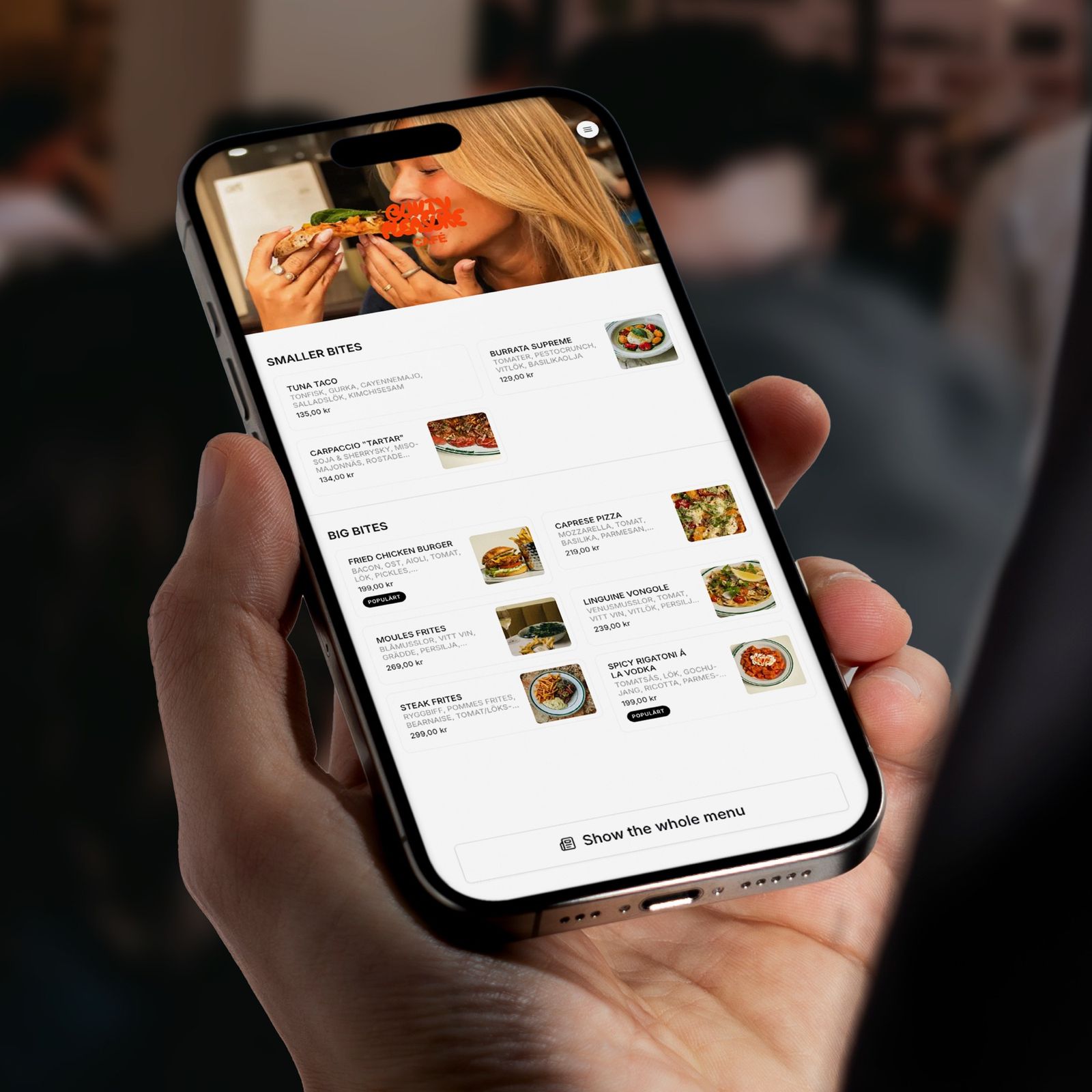
No app
Guests order straight in the browser, with no account or phone number.
Pay right on the phone
Apple Pay, Google Pay, Swish and cards, in the same flow as the order.
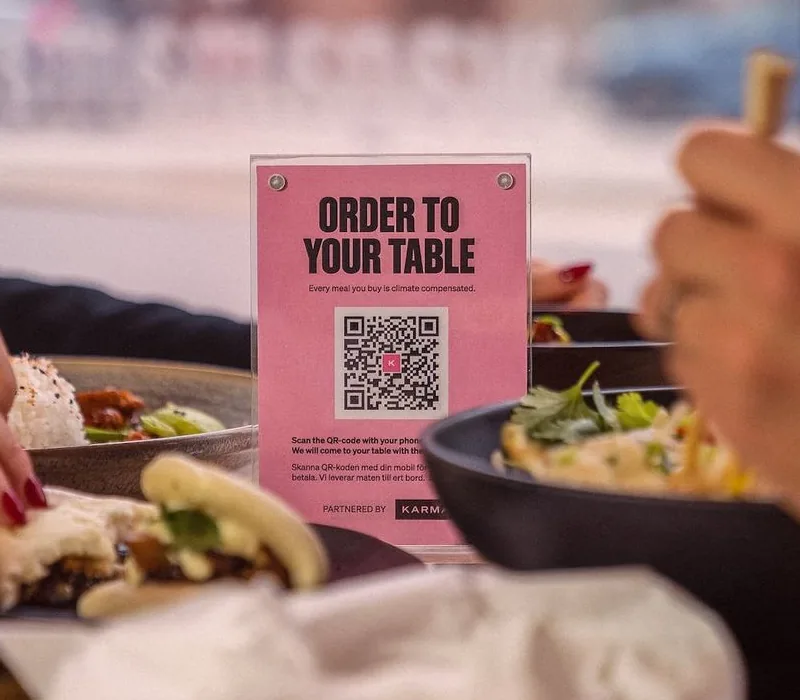
QR plates for the tables
We help with the table map and the plates, so everything is ready for the first service.

How QR ordering works
Guests order and pay at the table, and the order goes straight to the kitchen and bar without passing the till. Staff serve instead of taking orders, and the digital menu is changed in one place and applies at every table right away.
- Every QR code is tied to the table map in the POS, so the order lands on the right table
- The QR menu shows photos and allergens on every dish, updated any time
- Payment completes before the ticket fires, no unpaid tabs to chase
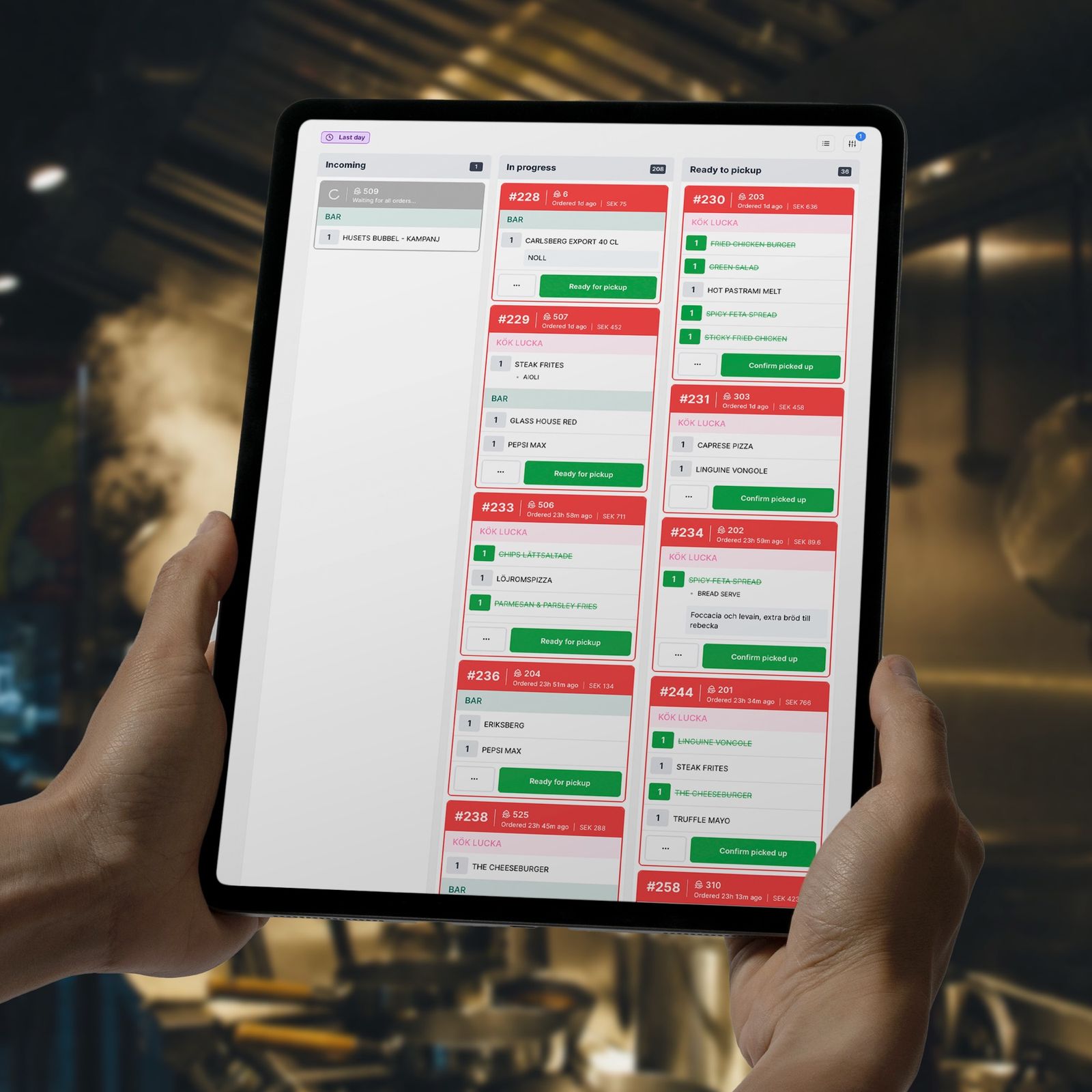
- Tickets go to printers or a kitchen display, exactly like orders punched into the POS
Keep the POS you already have.
You don't need to switch POS to get an ordering system with QR codes. If you run Trivec, for example, Karma's QR ordering runs right on top: the menu syncs automatically, orders land in the POS as usual and the numbers always add up. If you later want one vendor for everything, you move to Karma's own POS when it suits you.
AI that sells more in the ordering flow
When guests order, Karma's AI engine KAIA suggests the right add-ons based on what's usually bought together and the guest's previous purchases. Upselling happens automatically mid-order, without staff doing anything, and analytics show what the suggestions actually sell.
Also for cafés, quick service and takeaway
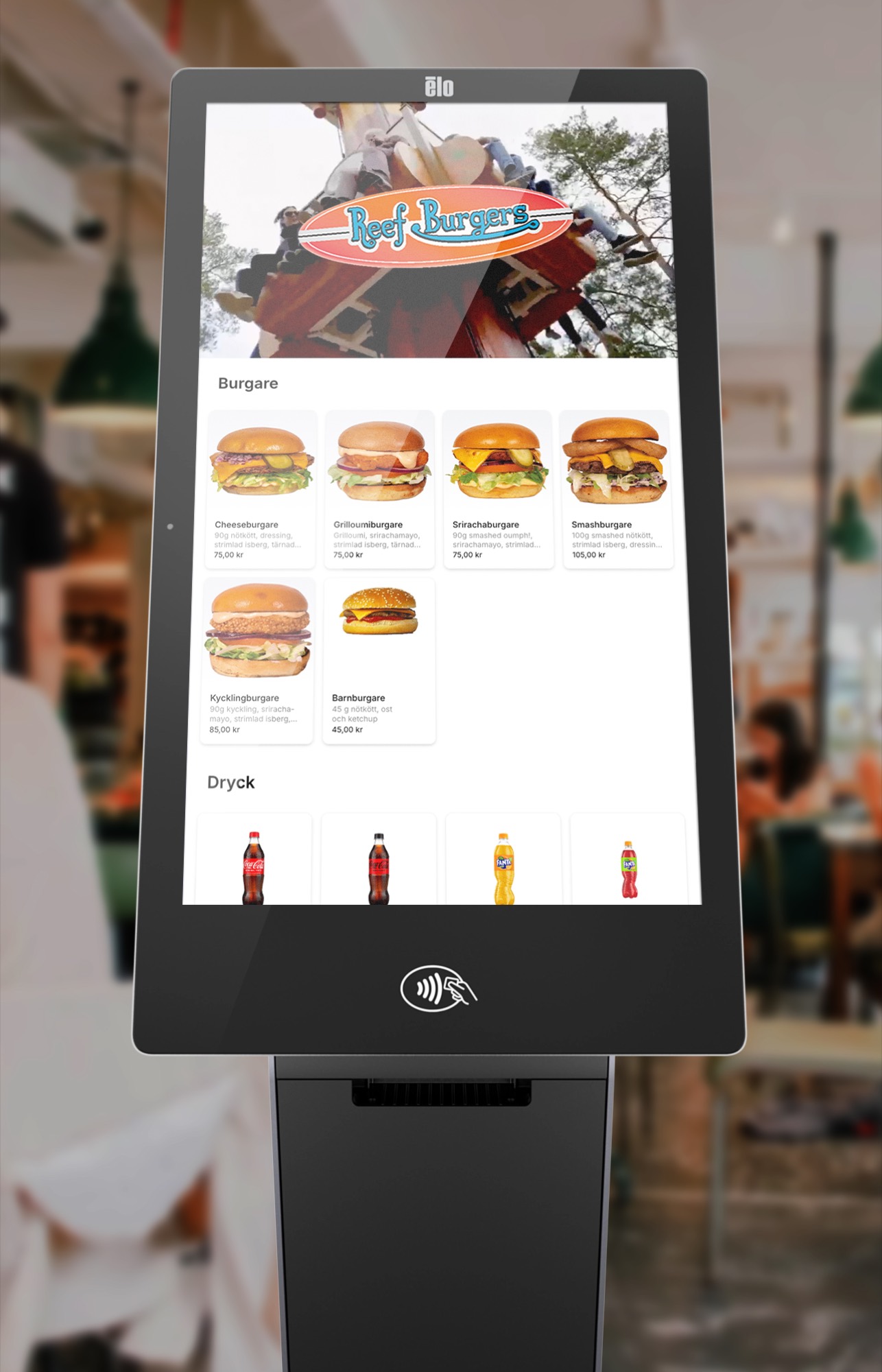
The same ordering solution takes online orders for takeaway and pickup, and at the counter a self-service express kiosk cuts the line, in the café as in the quick-service restaurant. Large parties can split the bill digitally: the QR code on the receipt lets every guest pay their share on their phone, no staff arithmetic needed.
What does QR ordering cost?
QR ordering is included in Karma's recommended packages, which land around the prices on the pricing page. If you only want QR ordering, for example on top of an existing POS, you get a quote for your setup.
Restaurant owners and operators on switching to Karma.
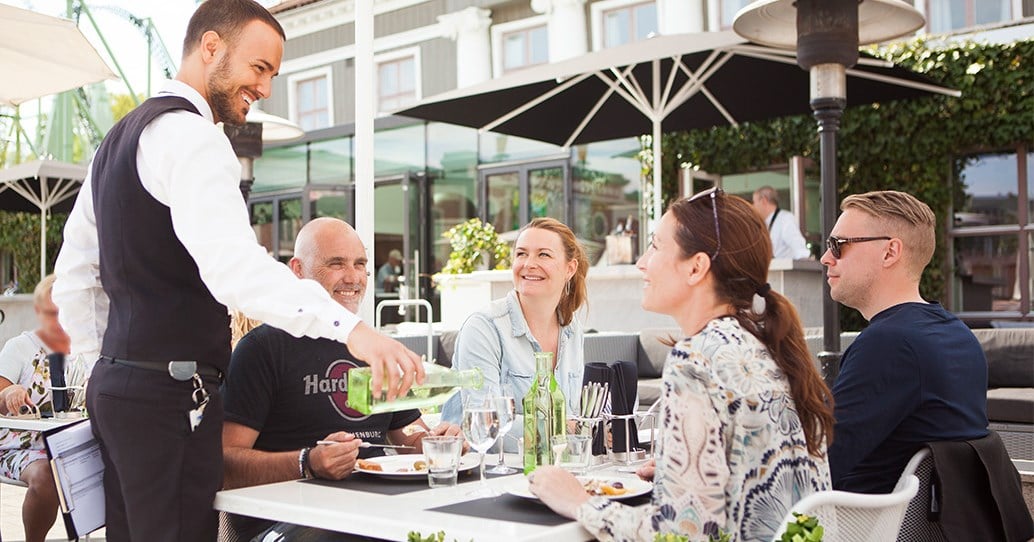
“Giving guests the ability to order and pay when it suits them, and avoiding queues, has resulted in an even better guest experience that aligns with our own vision. The Karma team has shown expertise, presence, and interest in making the collaboration the best it can be.”

Nico Schaak
Head of Restaurant Ops at Liseberg
Karma is the whole platform for the restaurant: POS, ordering, delivery and loyalty in one system.
Common questions about QR ordering
Do guests have to download an app?
No. Guests scan the QR code with the phone camera and order straight in the browser. No account, no app and no phone number needed.
What is the difference between a QR menu and QR ordering?
A QR menu only shows the menu on the phone. With Karma's QR ordering, guests order and pay right from the table, and the order fires to the kitchen and bar without staff taking it down.
Is QR ordering a separate ordering system?
No. QR ordering is part of Karma's platform: the same menu, the same till and the same reports as at the counter. The menu is changed in one place and applies at every table, in the kiosk and at the till right away.
How do guests pay?
Apple Pay, Google Pay, Swish or card, right in the ordering flow. Payment completes before the order fires, so there are no unpaid tabs to chase.
Does QR ordering work with the POS we already have?
Yes, if you run Trivec, Karma's QR ordering runs right on top, and the menu you build in the POS syncs automatically. Otherwise QR ordering is included in Karma's own POS.
How do orders reach the kitchen?
As tickets to kitchen and bar, on ticket printers or a kitchen display, exactly like orders punched into the POS. Staff work the way they always have.
Can the ordering flow suggest upsells?
Yes. Karma's AI engine KAIA suggests add-ons while guests order, based on what's usually bought together and the guest's previous purchases. It's part of the platform, no extra subscription.
Can guests split the bill?
Yes. The QR code on the receipt lets every guest pay their own share on their phone.
What does QR ordering cost?
QR ordering is included in the recommended packages, which land around the prices on the pricing page. If you only want QR ordering, you get a quote for your setup, talk to sales.
How fast can we get started?
Usually within days. We set up the table map with you, tie the QR codes to the tables and make sure everything works before your first service. Guests order themselves, so staff need no long training.
500+
restaurants take payments through Karma every month
1 million+
purchases in the last twelve months
SEK 1 billion+
in sales through Karma since we started

Want to see Karma
in your restaurant?
See how Karma's ecosystem can transform your operations and boost your profits. We'll get back to you and help you right away.
- 15-minute personalized demo
- See your specific use cases in action
- Learn about pricing and implementation